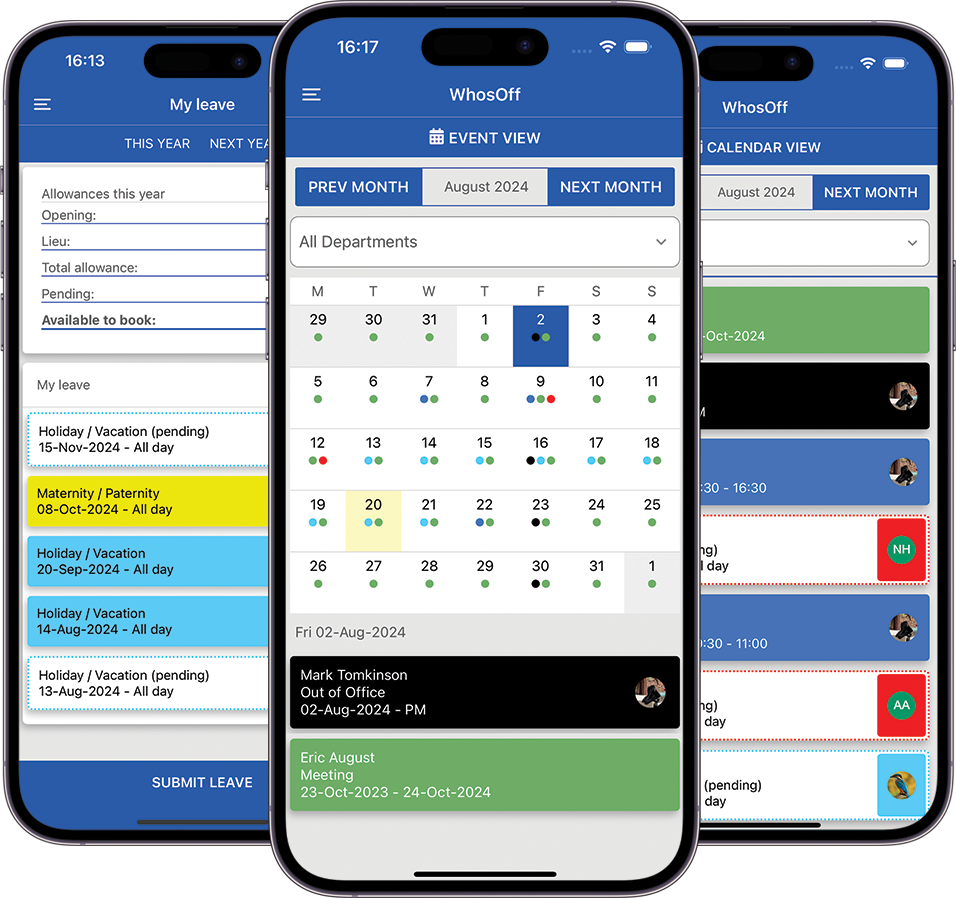
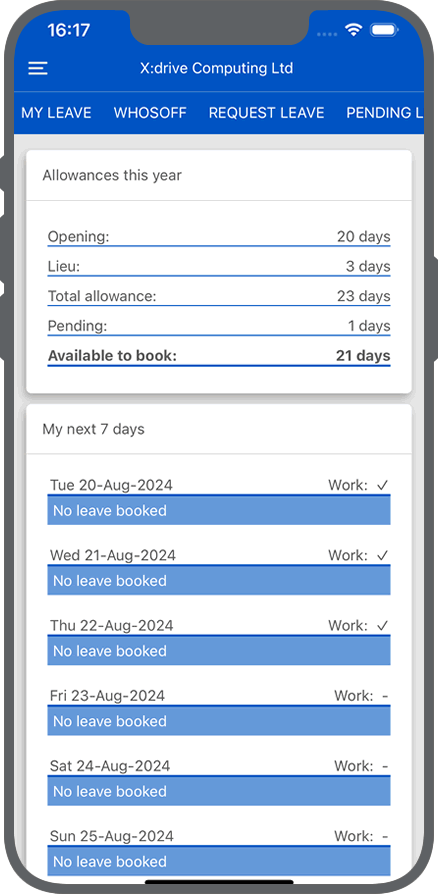
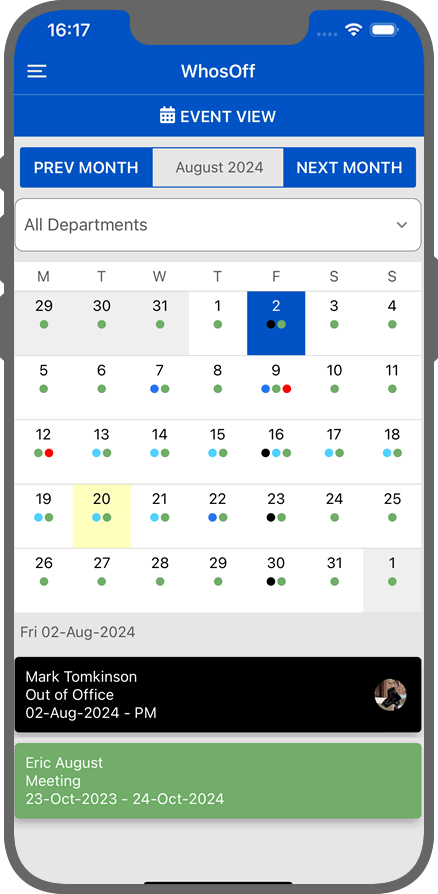
Whether you're on-site moving around or travelling the globe, keep a healthy eye on your workforce and ensure maximum productivity is achieved.
- Dashboard matches your online preferences
- Quickly see your team's availability
- Forward plan workloads with clear leave visibility
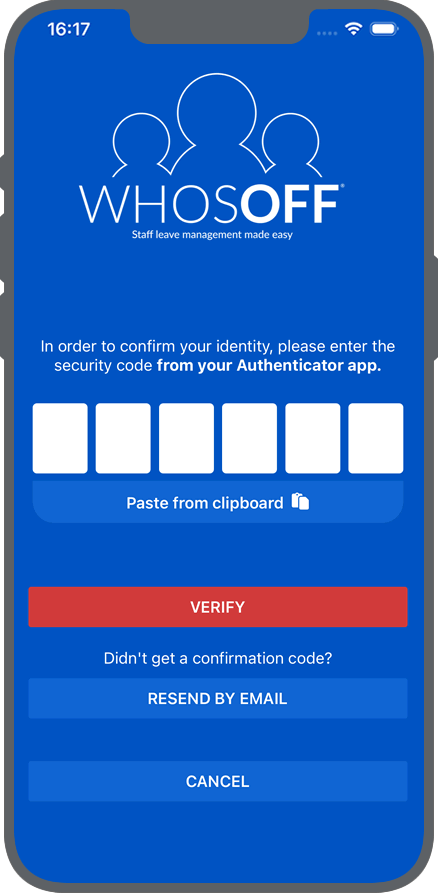
The app will follow the settings you have on your WhosOff account. If you force Multi-Factor Authentication then users will be forced to provide secondary authentication when they login to their app.
- SAML integration
- Forced Multi-Factor Authentication
- Help & support
- Contact your line manager through the app
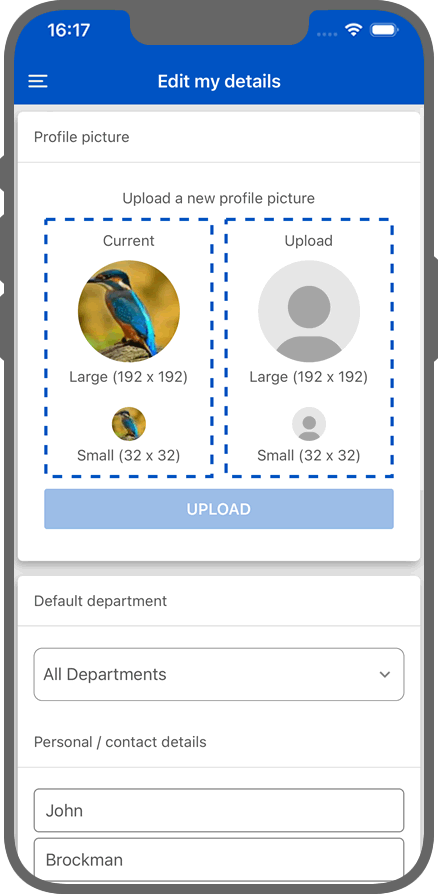
- Default department view
- Daily round-up configuration
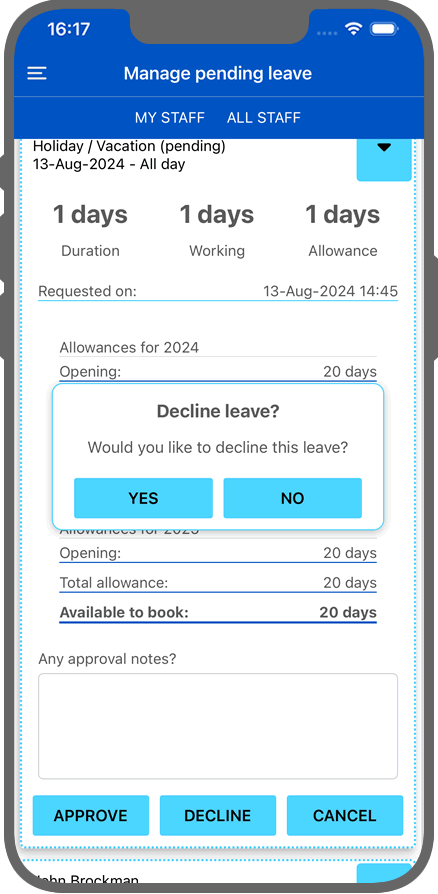
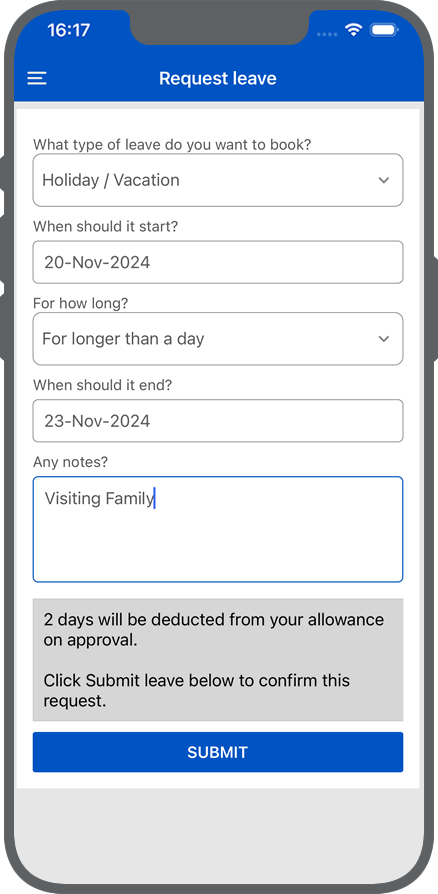
Viewing your own leave, or managing pending requests for one of your members of staff is quick and simple.
- View your pending or approved leave requests
- Quickly request leave on the move
- View and manage pending leave requests for your team
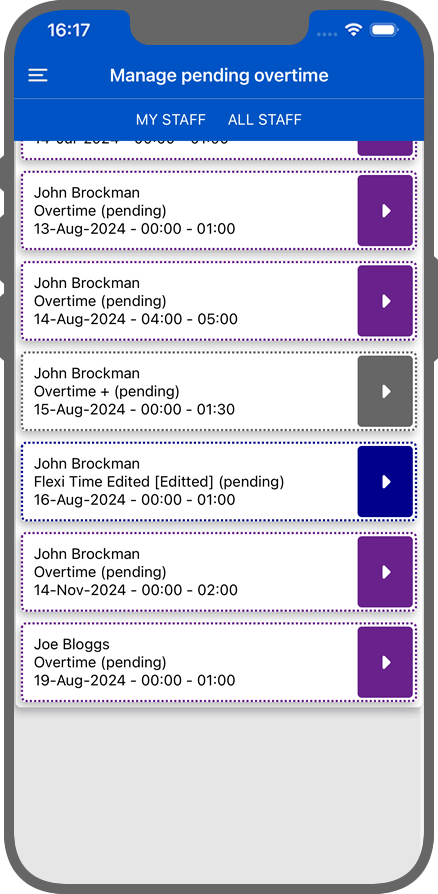
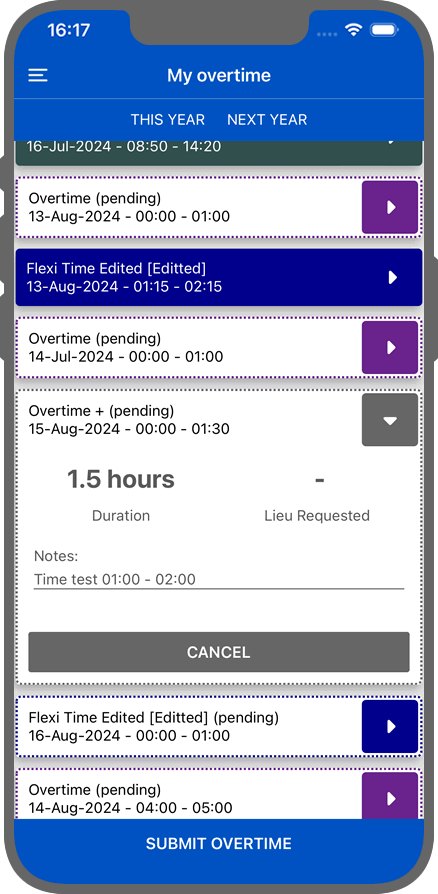
Worked additional time and forgot to register it in WhosOff? Quickly and effortlessly use the app to submit any overtime, or additional working time.
- Manage your own pending or approved overtime
- Submit overtime that you have completed
- Manage pending overtime requests for your team
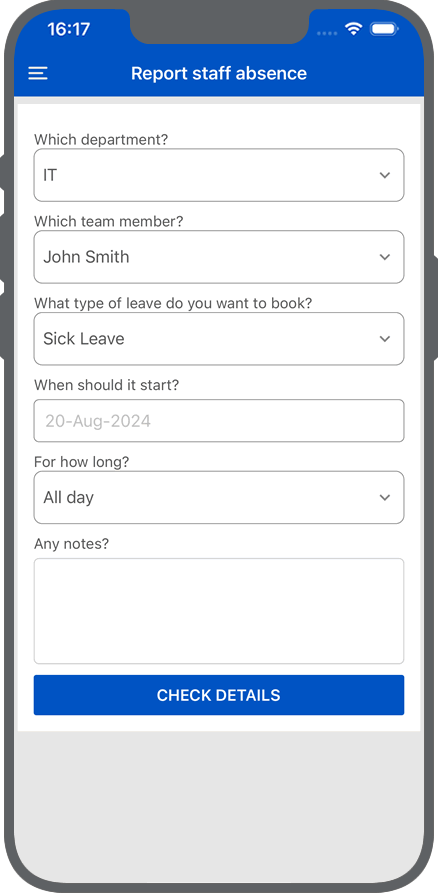
Reporting staff absence
Allow staff members to report sickness within their department, or the company, giving you the best insights into staff shortages instantly.
Note: This feature will only be available within the apps if you have enabled it within your WhosOff account.Connecting to your WhosOff account 24/7 is now even more accessible with the WhosOff app on iPhone and Android smartphones.
All smartphone apps are FREE to download and make managing your staff leave and out-of-office times on the move very simple and easy.
Simply click on the logo below relevant to your mobile.



"As an employee and an approver this app makes all leave request so simple. Highly recommended"
"Best system I’ve ever came across .. you know exactly were you are and can speak with line managers to adjust .. brilliant 😊"