Follow the instructions below when you have forgotten your password. Once completed the system will send you an email with instructions on how to gain access to your account.
Instructions
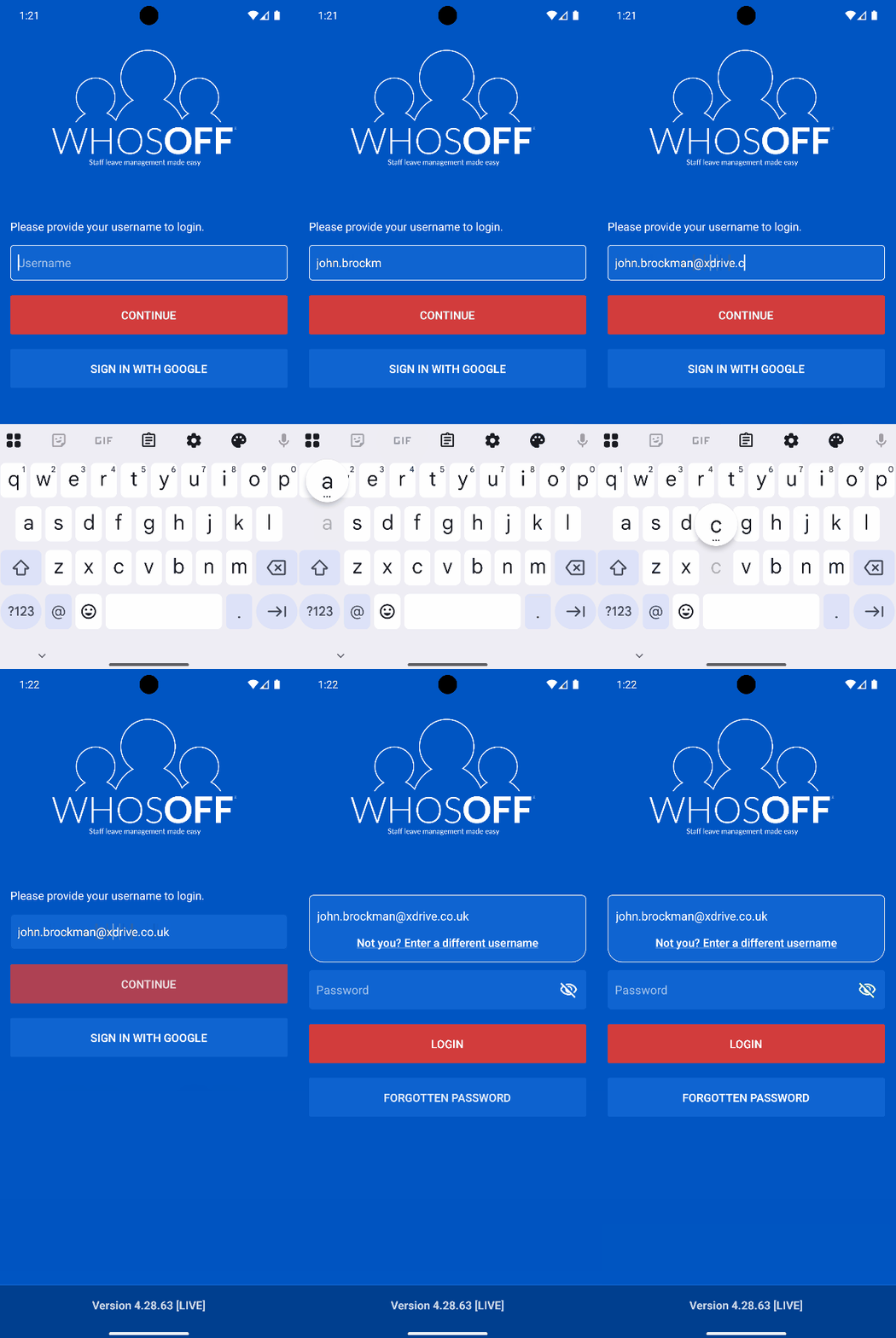
- From the login screen, enter your Email Address/Username
- On the resulting page, tap on Forgot your password?
- Once prompted, enter the email address you have registered in WhosOff
- Tap on Submit, the system will then confirm to you that a temporary password has been sent to your email address with instructions on how to access your account.
Visual Overview
PLATFORMS
AndroidIOS
Mobile
CATEGORIES
Getting StartedPHRASES
login details, password, forgot passwordSHARE


Similar articles
How do I edit my details?
Follow these instructions to update your personal/login details when using any of the WhosOff mobile applications.